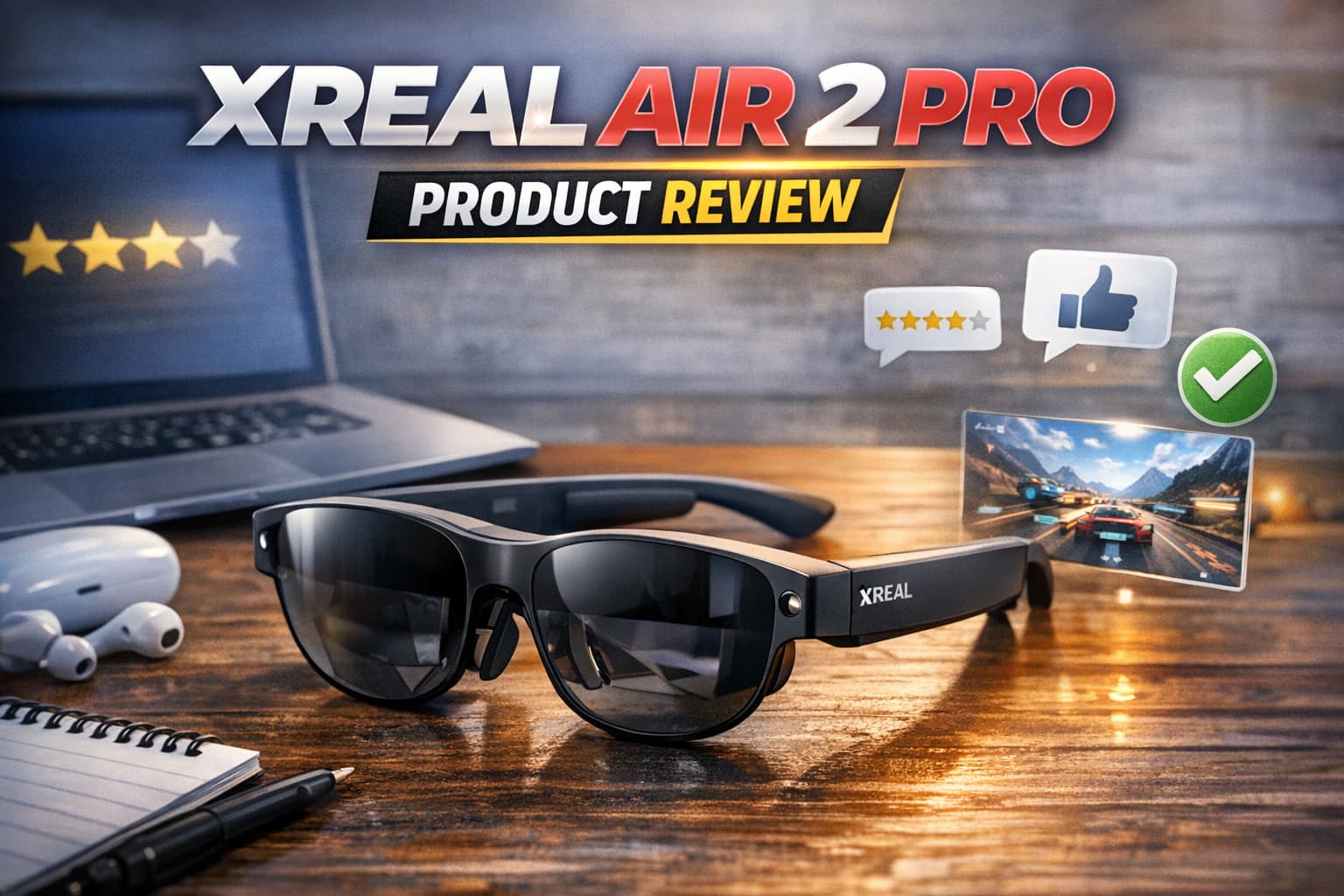
Image source: XREAL
Xreal Air 2 Pro Review: A Big Virtual Screen That Actually Works
Bottom line: The Xreal Air 2 Pro are the best display-focused smart glasses available for most people who want a large, sharp virtual screen for movies, gaming, or working on the go. The 1080p micro-OLED display is genuinely impressive. The trade-off: they're tethered to a USB-C source, have no standalone smarts, and look obviously "techy." But for what they do, they do it better than almost anything else.
Quick Specs
| Spec | Details |
|---|---|
| Price | $449 |
| Weight | ~80g (without cable) |
| Display | Dual 0.55" Sony micro-OLED, 1920×1080 per eye |
| Refresh Rate | Up to 120Hz |
| Field of View | 46° diagonal |
| Brightness | 500 nits peak (adjustable electrochromic tint on Pro) |
| Connectivity | USB-C DisplayPort Alt Mode |
| Audio | Built-in stereo speakers |
| Diopter Adjustment | -1.75 to -5.0D (built-in) |
| Compatible Devices | iPhone 15+, iPad Pro (M1+), Android phones with DP out, Mac, PC, Steam Deck, consoles via adapter |
What Makes the Pro Different From the Standard Air 2
The Xreal Air 2 and Air 2 Pro share the same micro-OLED display panel and most specs. The Pro's key differentiator is electrochromic lens tinting: four levels of automatic or manual tinting that block ambient light. This makes the virtual screen dramatically easier to see in bright environments and is a legitimate feature upgrade — not just a spec-sheet differentiator.
If you'll use these primarily in a dark room or on planes, the standard Air 2 at $369 makes more sense. If you're in varied lighting (offices, public transport, sunny commutes), the Pro's tinting justifies the $80 premium.
Display Quality
The display is the star of this product, and it earns its praise. Two Sony micro-OLED panels render at 1920×1080 per eye — the same resolution as a 1080p monitor. The effect is similar to sitting in front of a 130-inch cinema screen at a comfortable viewing distance, or closer if you prefer.
At 120Hz, motion in games and video is genuinely smooth. OLED delivers true blacks and high contrast — dark scenes in movies look properly cinematic, not washed out. The 500-nit peak brightness means indoor use is comfortable. Outdoors without the Pro's electrochromic tinting, bright sunlight washes the image significantly.
The 46-degree field of view is competitive among tethered AR glasses, though it means the virtual screen doesn't fill your entire vision — there's clearly a "screen area" within your view rather than an immersive surround experience.
Compatibility and Setup
The Air 2 Pro connects via USB-C with DisplayPort Alt Mode. This sounds limiting but covers a wide range of devices in 2025:
- iPhone 15 / 15 Pro / 15 Plus / 15 Pro Max: Works natively with USB-C
- iPad Pro M1+ and iPad Air M1+: Full support
- Most modern Android flagships: Check for DisplayPort over USB-C support specifically
- MacBooks and Windows laptops: Works like any external monitor
- Steam Deck: Direct USB-C connection, excellent for gaming
- PS5/Xbox/Nintendo Switch: Requires Xreal's Beam adapter or USB-C hub with HDMI input
The Nebula software (Mac/Windows) adds a multi-window workspace mode where the glasses become a virtual multi-monitor setup. This is genuinely useful for travel work.
On phones, without the Beam adapter, you're essentially mirroring your phone's screen. The Beam ($109 sold separately) adds a head-tracking 3DOF mode where the virtual screen stays anchored in space rather than moving with your head — a feature that dramatically improves comfort for extended use.
Comfort and Design
At ~80g, these are heavier than regular glasses but lighter than most VR headsets. The nose pad system includes three sizes, which matters — the fit affects both comfort and display alignment. Xreal ships multiple nose pad options; spend five minutes getting this right.
The glasses look clearly like technology. The thick black frames, obviously weighted temples, and protruding USB-C cable are not subtle. You will attract glances using these in public. They're best suited for: planes, trains, hotel rooms, home use, and offices where tech hardware is normal.
The built-in diopter adjustment from -1.75 to -5.0D covers most nearsighted prescriptions without needing prescription inserts. Farsighted users will need corrective inserts (available from Xreal's partner network).
Audio
The built-in speakers are adequate for private viewing in a quiet environment. In any public space, they leak sound significantly and you'll want earbuds or headphones instead. The speakers are directional but not exceptional.
For movie watching, pairing with Bluetooth earbuds while using the Air 2 Pro as the display works well — this is how most serious users operate them.
Day-to-Day Use Scenarios
Travel: This is the Air 2 Pro's killer use case. Connecting to a MacBook on a plane and having a large virtual workspace (or a cinema screen for movies) while the passenger next to you has a normal laptop screen is genuinely impressive. The Pro's tinting handles the overhead lighting well.
Gaming with Steam Deck: Exceptional. The Steam Deck's USB-C output connects directly, 120Hz is available for games that support it, and the display quality makes games like indie titles and RPGs feel genuinely cinematic. This pairing is widely praised.
Work on the go: The Nebula multi-window feature works but requires a learning curve. Most reviewers find it useful for focused single-window tasks (one large document, one browser) rather than complex multi-app workflows.
Home theater substitute: Reasonable for apartments and hotel rooms. Not a replacement for a real TV for movie nights with others, but excellent for solo viewing.
Pros
- Best-in-class 1080p micro-OLED display — crisp, high-contrast, genuinely impressive
- 120Hz refresh rate — smooth for games and video
- Electrochromic tinting (Pro exclusive) handles varied lighting environments
- Works with a wide range of devices including iPhone 15, Steam Deck, MacBooks
- Built-in diopter adjustment covers most nearsighted prescriptions
- Nebula software adds multi-window workspace on Mac/PC
- No battery required (draws power from connected device)
Cons
- Tethered via USB-C — you're physically connected to your source device
- No standalone computing — not a standalone device, requires a host
- ~80g weight — heavier than regular glasses, fatiguing after 2+ hours
- Sound leakage — speakers are not suitable for public use
- 46° FOV — visible screen borders within your view, not fully immersive
- Beam adapter needed for head-tracking and console compatibility ($109 extra)
- Obviously tech-looking — no passing for regular eyewear
Who Should Buy These
Buy them if you:
- Want the best portable screen for travel, planes, or hotel rooms
- Game on Steam Deck and want a cinema-sized screen
- Work with a MacBook or Windows laptop while traveling
- Are nearsighted between -1.75 and -5.0D (diopter adjustment built in)
- Primarily use them in varied lighting environments (get Pro for the electrochromic tinting)
Skip them if you:
- Want glasses that look like glasses in public
- Need them to work as a standalone device
- Primarily use an older Android phone (check USB-C DP support first)
- Want spatial audio or good built-in speakers
- Have a severe case of tech anxiety on flights — these attract attention
Pricing and Where to Buy
The Xreal Air 2 Pro retails at $449. The standard Air 2 is $369. Both available at xreal.com and Amazon. The optional Beam processing unit is $109 additional and worth it if you plan to use with consoles or want the 3DOF mode.
Final Verdict
4.0 / 5
The Xreal Air 2 Pro earns its reputation as the leading consumer AR display glasses. The display quality is genuinely better than photos can convey — the first time you use them on a plane, you understand why people buy them. The tethered USB-C design is the primary real-world limitation, and the weight becomes noticeable after extended sessions.
For the target use case (portable large screen for travel, gaming, and focused work), there's currently nothing better at this price point.
Prices current as of June 2025. Check xreal.com for updated pricing and the availability of Xreal One (the newer wireless model).